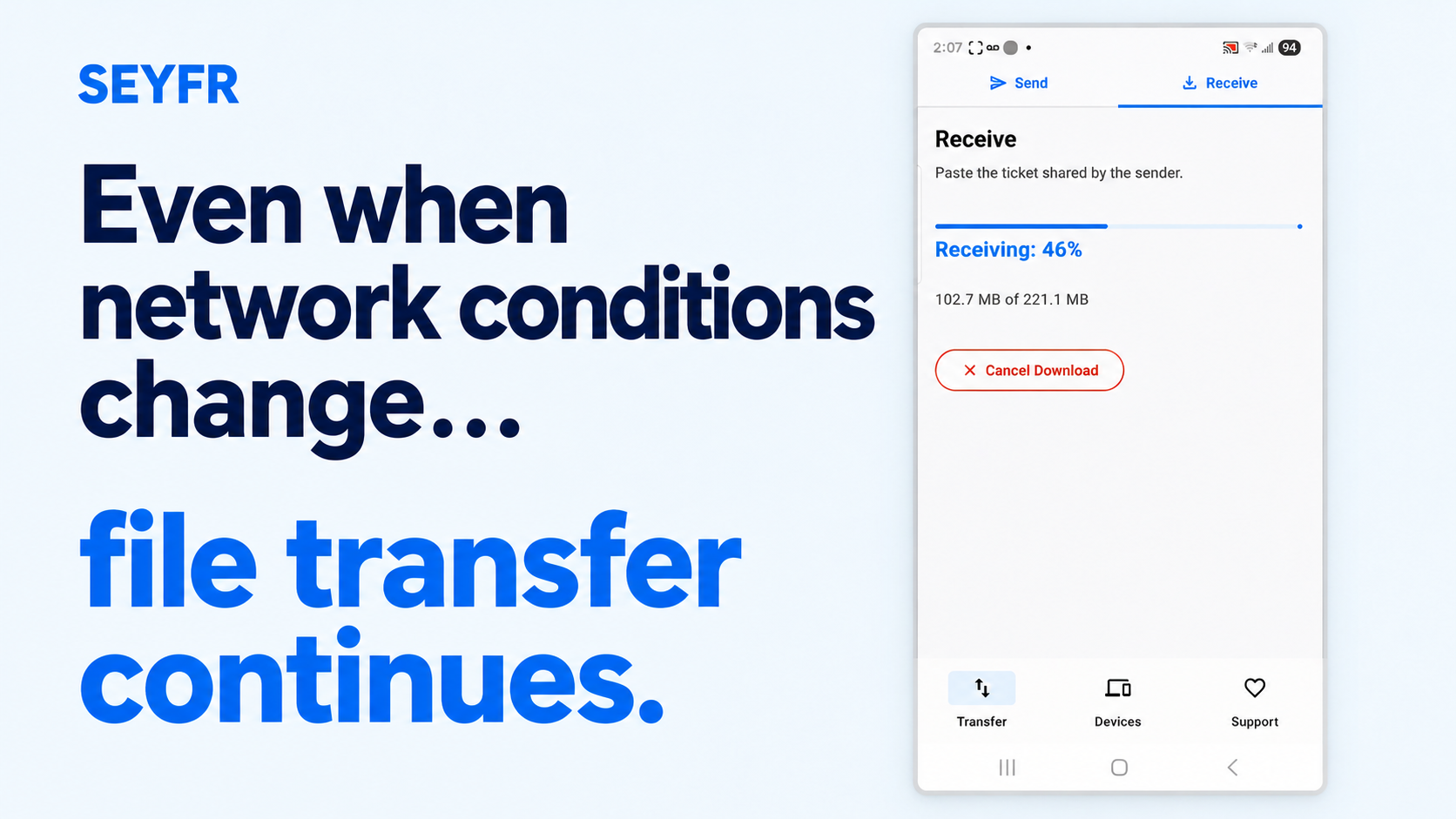
Moving a file between your own devices should not require emailing it to yourself, finding a cable, creating another account or first uploading it to a cloud drive. That is the problem SEYFR was built to address.
What “Send Your Files Right” means
SEYFR lets you choose files or a folder, share a QR code or transfer token, and receive the original bytes on another supported device. It works across Android, iPhone, iPad, macOS, Windows and Linux.
The QR code is a map plus a fingerprint—not the package. It contains connection information and a 32-byte BLAKE3 content hash, but no file data. Iroh uses that fingerprint to request and verify the content as it arrives.
SEYFR attempts a direct, encrypted connection between the devices. If network conditions prevent a direct route, Iroh can use an end-to-end encrypted relay. The relay forwards encrypted traffic but cannot read the file contents.
That is more precise than saying “no servers” or “always direct.” SEYFR avoids a JITPOMI cloud-drive upload step, but discovery and relay infrastructure may still help devices connect.
What you keep
SEYFR does not intentionally recompress the selected files. Photos, videos, documents and folders retain their original selected bytes and format. The app does not impose a fixed transfer-size cap, although device storage, operating-system limits, network conditions and relay availability still apply.
No SEYFR account is required. The released apps are free to download and use today; that is a description of the current product, not a “free forever” promise.
At JITPOMI, “simple first, local first” means explaining the real system clearly—without hiding complexity behind buzzwords and without watering down what the technology actually does.
About the author
- “We spice up your hustle!” At JITPOMI, we're all about empowering your grind through cutting-edge tech solutions — whether it’s in academia, trade, finance, media, or faith. We exist to make you better by helping you reach your business goals and exceed expectations through collaboration and co-creation.
Comments
Join the discussionNo comments yet. Be the first to comment.