The first widely interoperable Internet email attachment was not a contract, spreadsheet, or compressed folder.
It was a barbershop song.
On March 11, 1992, computer scientist Nathaniel Borenstein sent a MIME-formatted email containing a photograph of the Telephone Chords—his Bellcore quartet—and a recording of the group singing. Before MIME, one email system could attach a file that another could not reliably understand.
Borenstein and Ned Freed helped make attachments ordinary. That was a breakthrough.
But it did not make email the right delivery system for every file we would create next.
The file is ready. Email is not.
Imagine a real-estate agent leaving a newly staged property with a pristine 4K walkthrough. The lighting is perfect. The details are sharp. The video is ready for the laptop beside her.
She attaches it to an email.
Attachment too large.
Now the file that was perfect a moment ago is treated like the problem. Compress it. Reduce its resolution. Split it. Upload it somewhere else. Create a link. Check the permissions.
The receiving device is ready. The original file is ready. The wrong tool is standing between them.
A 4K video is not too large to send. It is too large to be an email attachment.
Watch the paperclip meet a 4K listing
Martillo de Maslow, Episode 1: The Listing turns that exact mismatch into a short story: one original-quality property video and two different ideas about how it should travel.
https://www.youtube.com/watch?v=P8WUgmT7qSg
Send the original file with SEYFR.
Email solved a message problem
Personal Gmail accounts document a 25 MB attachment limit. Larger files are replaced with a Google Drive link. Microsoft documents a 20 MB limit for common Internet email accounts and a 10 MB default for Exchange business email, including the message itself.
Those limits make sense for email. A message may pass through several systems, be scanned, copied, stored, and delivered to a server with an even smaller limit.
The mistake is treating that message limit as a file limit.
Your video does not need to be weakened to satisfy a paperclip.
Send the file you actually made
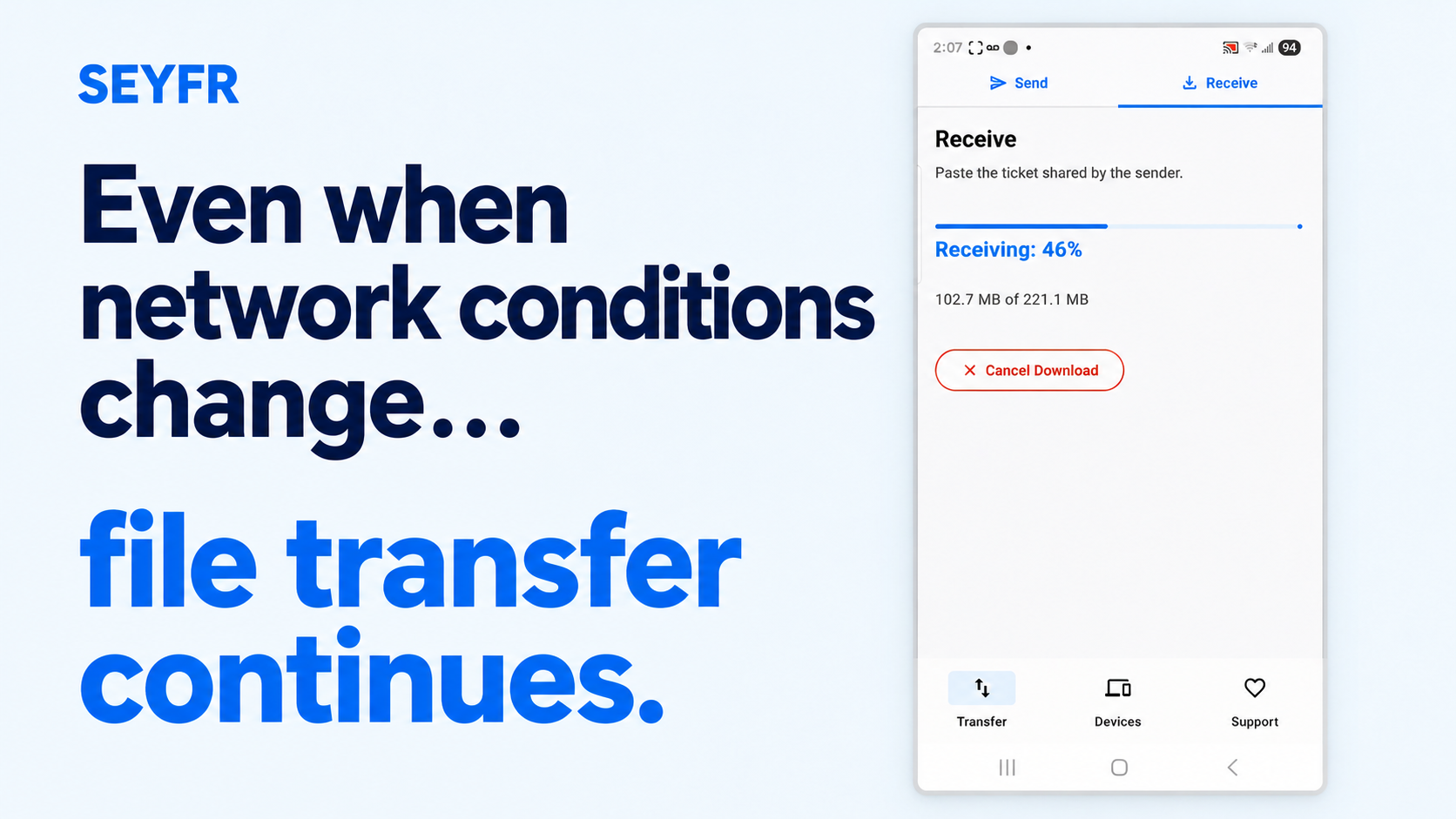
SEYFR separates the message from the transfer.
Choose the original file or folder.
Share the QR code or text ticket.
Scan the QR code or paste the ticket on the receiving device.
Choose where to save it and receive it.
SEYFR does not intentionally recompress the file. The photo, video, document, or folder arrives in its original format and quality.
It also does not impose a fixed in-app transfer-size cap. Device storage, filesystems, platforms, and network conditions still apply—but SEYFR does not invent an email-sized ceiling for a file that is not being sent as email.
That is the whole point: move the file that was selected, not a compromised copy created for the wrong container.
The paperclip was a beginning
The Telephone Chords attachment solved the interoperability problem of 1992. A photograph and a song could cross between different email systems and arrive intelligibly.
Our files changed. Our cameras changed. The transfer method should change too.
The next time email says your video is too large, interpret the warning correctly:
The video is not too large. The paperclip is too small.
Get SEYFR and send the original file without intentionally recompressing it.
Sources
About the author
- “We spice up your hustle!” At JITPOMI, we're all about empowering your grind through cutting-edge tech solutions — whether it’s in academia, trade, finance, media, or faith. We exist to make you better by helping you reach your business goals and exceed expectations through collaboration and co-creation.
Comments
Join the discussionNo comments yet. Be the first to comment.