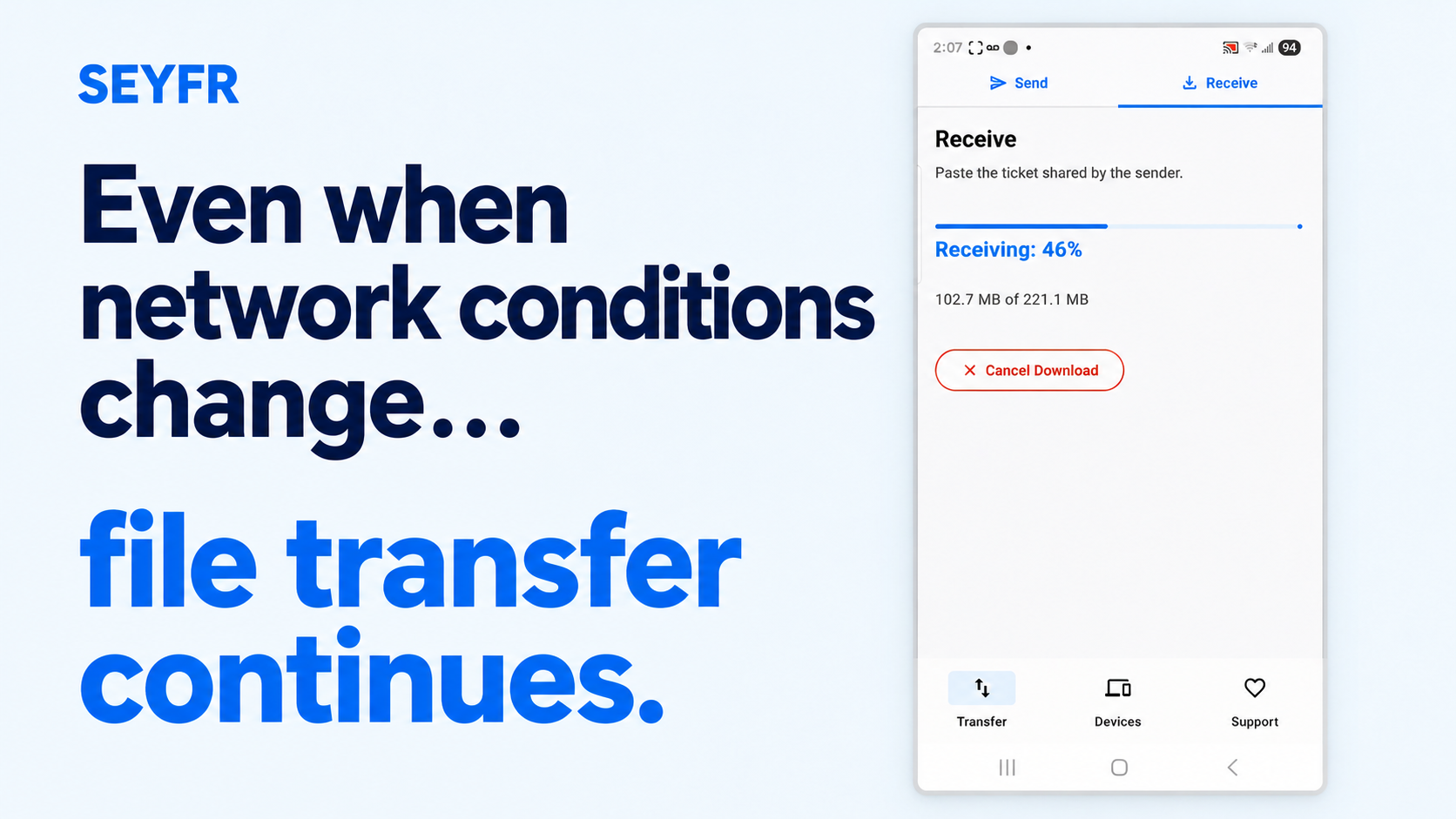
My workmate in Uganda sent me a video while I was on the road in Utah, USA. It was 221 MB, and I was receiving it on my Android phone using SEYFR and mobile data.
I was walking toward the office. That gave me a simple test: what would happen to the transfer when my phone picked up the office Wi-Fi? And what would happen if I walked away and lost that connection?
So I recorded it.
Watch the test
https://www.youtube.com/watch?v=Wf0IEV9Phvs
The video is 5 minutes and 29 seconds. Long waits and the store-search detour have been cut, and the retained footage plays at its original speed.
From mobile data to office Wi-Fi
At the start, the video was coming in over mobile data. My connection was slow. As I got closer to the office, the phone connected to its Wi-Fi, and the same transfer kept going.
I then turned off mobile data while the phone was on Wi-Fi. The download continued.
That was the first part of the test: changing the network connection during a transfer without starting the file again.
Walking out of Wi-Fi range
Next, I walked away from the office. I wanted to get out of Wi-Fi range before the download finished.
Eventually, the Wi-Fi connection dropped. With mobile data still off, the phone had no connection for the transfer to use.
I turned mobile data back on and returned to SEYFR. The transfer resumed from its previous progress. It did not make me start the 221 MB file from the beginning.
I then headed back toward the office. I also wanted to finish this test before I used up my prepaid data plan. 😄
The video shows the file being received successfully at the end.
A workmate in Uganda. A phone in Utah.
The sender was in Uganda throughout this test. I was receiving the file in the United States, moving between mobile data and office Wi-Fi.
We were not standing next to each other or sharing the same Wi-Fi network. The changing conditions were on my receiving phone as I walked.
That is the point of this recording: even when network conditions change, file transfer continues. When the connection was completely unavailable, the transfer had to wait. Once I restored a connection, it resumed.
Why I wanted to show this
People move around while they work. You leave home, reach the office, lose a signal, or switch to mobile data. Sending a file should fit around that ordinary day.
This recording shows how SEYFR handled those changes on my Android phone in this test. It is the kind of practical behavior I want us to keep testing and improving.
I’m Samson Ssali, the person behind SEYFR. We’re building this for you, and your real experiences help us decide what to improve next.
Download SEYFR and try it with your devices.
What usually happens when your connection drops during a file transfer? Leave a comment, or send your feedback and feature requests to dev@jitpomi.com.
About the author
- “We spice up your hustle!” At JITPOMI, we're all about empowering your grind through cutting-edge tech solutions — whether it’s in academia, trade, finance, media, or faith. We exist to make you better by helping you reach your business goals and exceed expectations through collaboration and co-creation.
Comments
Join the discussionNo comments yet. Be the first to comment.